JUSToolkit: SceneGate plugin
SceneGate is a UI tool for reverse engineering analysis. You can import your custom Yarhl converters to analyze your own games.
In this guide we'll see how to import the JUSToolkit converters.
How to
Download the latest SceneGate release.
Compile this tool (JUSToolkit) and copy
src/JUS.Tool/bin/Debug/net10.0/JUS.Tool.dll, to the downloadedSceneGatefolder, with the rest of .dll.Run
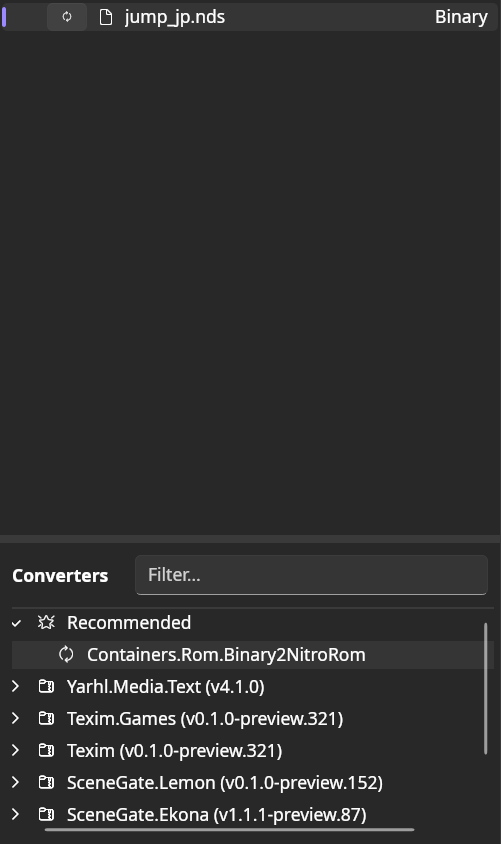
SceneGate.Destktop, open your legal dump of the game, select it, and double click in the Suggested ConverterBinary2NitroRom.
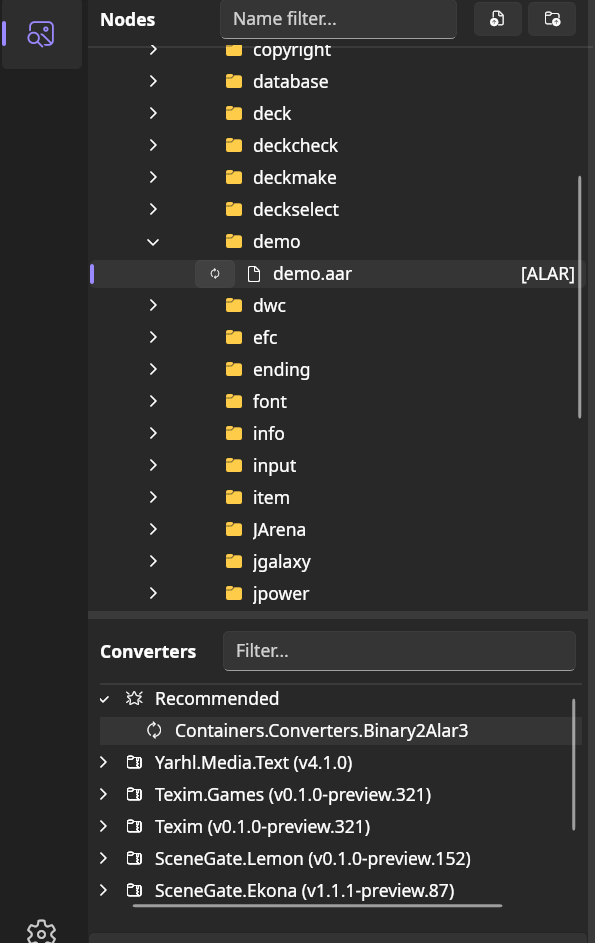
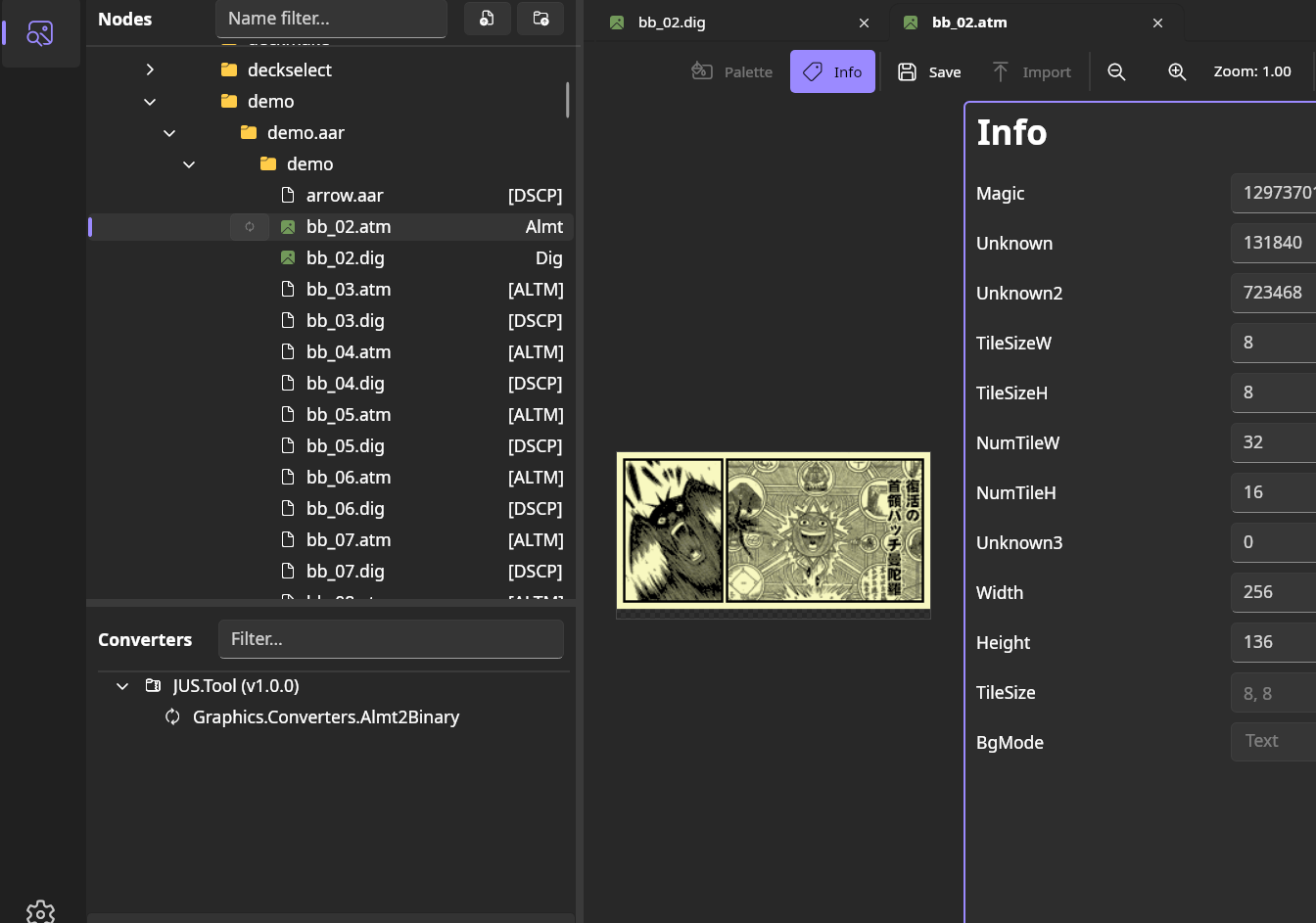
- You can now navigate through the game files, and convert them using the Suggested Converters. You can display by double clicking after the conversion. For .dig + .atm convert both, and double click on the .atm.